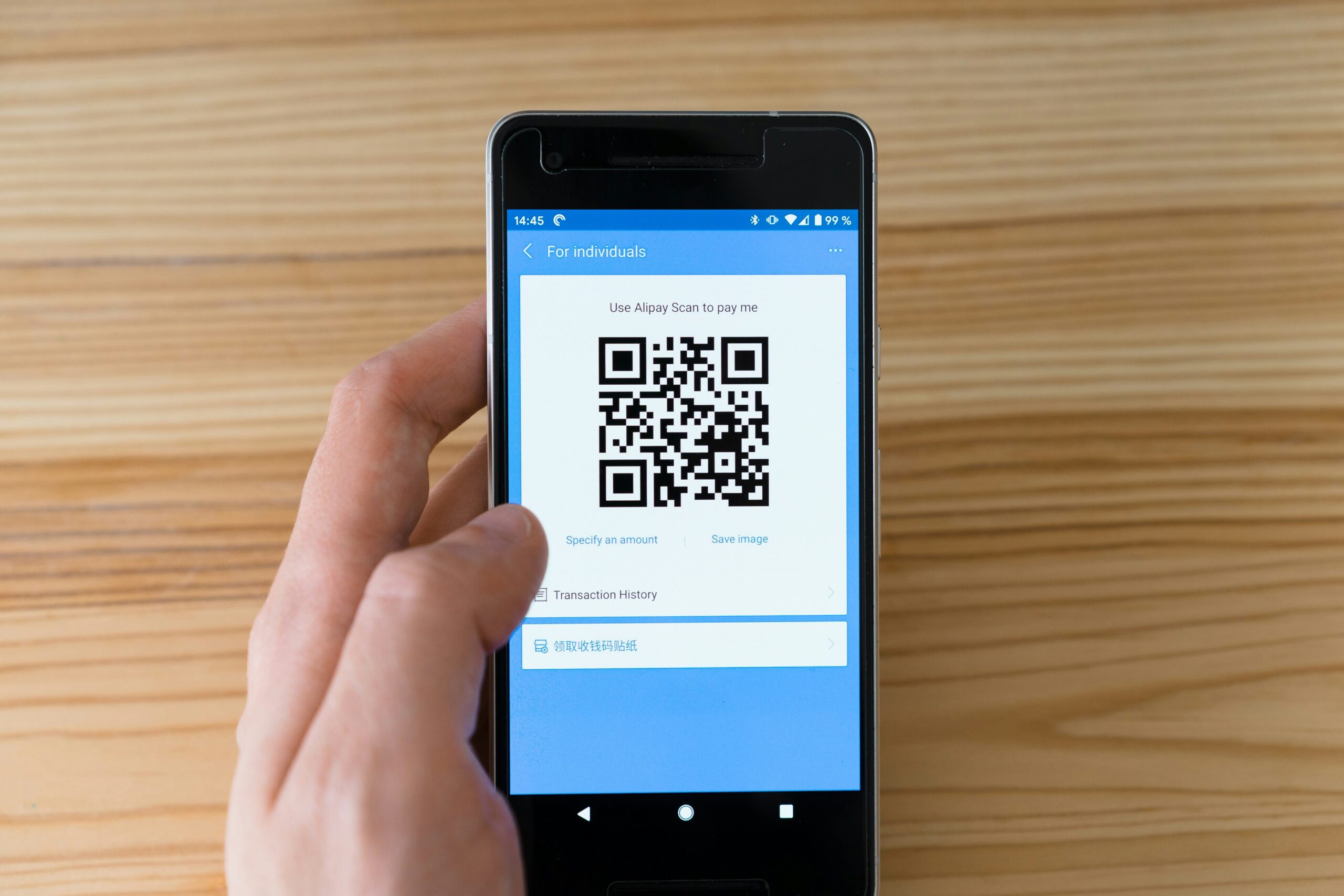
The dynamic side of The QR Code Generator rests on one claim that is unusually direct for this category, which is that two free editable codes never expire. Most of this review is an examination of whether the rest of the offer holds up around that claim, and the short answer is that it does, with three limits worth knowing before you commit anything to print.
This is a review of the dynamic feature set specifically, meaning the editable codes, the reporting behind them and the plan ladder above them. The unlimited static side is a separate question and is only referenced where it changes the value of the dynamic offer.
What a dynamic code is doing here
A dynamic QR Code encodes a short address belonging to the provider rather than your actual destination. Somebody scans, their phone requests that address, and the service forwards them to wherever you have currently pointed it. Change the entry and every printed copy of the code behaves differently from that moment.
That indirection is what makes editing possible, and it is also the entire cost base. A static code encodes the destination directly into the printed pattern, as described in the international standard governing the format, so nothing needs to keep running after download. DENSO WAVE, which invented the format in 1994 and published the specification openly, designed no account and no renewal date into any of it. A dynamic code needs a server to answer every scan, which is why every provider in this market meters them and why the terms attached to that meter matter more than the feature list.
The free tier, examined
Two editable codes come free for life, which is a small number by the standards of this category, and the company does not pretend otherwise.
What sits around those two codes is more interesting than the count. The QR Code Generator states on its dynamic QR Code page that the two free dynamic QR Codes never expire, and its FAQ draws the contrast explicitly, noting that free dynamic codes elsewhere stop working once a trial ends whereas these do not. No card is requested and no countdown runs behind them.
No scan ceiling is published on the free tier. That absence is worth stating plainly, because a published cap is how most free editable codes actually fail, with a busy placement exhausting an allowance and the code going quiet until the month turns over. Nothing in the free terms here describes that behaviour.
Reporting on free reaches back fourteen days, and the homepage describes the fields as scans, unique users, locations and devices. Fourteen days is enough to review a campaign the week after it runs and insufficient if you report monthly, which is a real constraint rather than a quibble. The window is the ceiling rather than the volume, which is an unusual way round for a free tier and generally the better one, since a date limit is predictable and a scan limit is not.
Two costs are attached and both are visible rather than buried. Free dynamic codes serve an advertisement ahead of the destination, and free downloads carry a watermark. For internal use or for proving a concept, neither matters much. For anything customer-facing, both are reasons to move up a tier.
The Flex tier and how it scales
Flex is the first paid step, costing five dollars a month billed yearly, or sixty dollars across the year, and that covers five editable codes while removing both the advertising and the watermark.
The scaling structure is the part most worth understanding, because it does not work like a conventional tier ladder. Additional codes are sold individually at 0.125 dollars each per month rather than requiring a jump to a much larger plan. Forty-five codes therefore reaches ten dollars a month billed yearly, or a hundred and twenty across the year, and any figure in between is priced proportionally. Ten codes comes out at roughly sixty-nine dollars annually.
Flex also lengthens reporting from fourteen days to sixty, switches on bulk creation, and enables CSV export of scan data. For an organisation running five to forty-five editable codes, that combination at a hundred and twenty dollars a year is the substance of the product.
Two things Flex does not include are worth naming. It remains a single-user plan, though additional seats can be bought on Flex at five dollars each per month, an option the free plan does not offer. Scan location at GPS level is also an add-on rather than an inclusion, priced at five dollars a month.
What sits above Flex
Above Flex the plans move onto Uniqode, which is the parent company, and buying one redirects you into a different interface. Core costs forty-nine dollars a month billed yearly for two hundred and fifty codes with ninety days of history, and Plus costs ninety-nine dollars a month billed yearly for five hundred codes, three users and a hundred and eighty days. An enterprise tier is quoted on request.
This matters for anyone planning growth, because the step from Flex to Core is substantial. Forty-five codes cost a hundred and twenty dollars a year, and the next tier up costs five hundred and eighty-eight. If your requirement lands between those two points, Flex with add-on codes is the cheaper answer right up to its ceiling.
The three limits worth knowing before you print
The type list is ten, not thirty-two
The generator offers ten selectable types, covering URL, PDF, Multi-Url, Contact, Plain Text, App, SMS, Email, Phone and Social. The site’s navigation advertises a much longer list of landing pages, running to social networks, file services, forms and scheduling tools, and each of those loads the same ten-tab generator underneath.
That is not misleading in itself, since each landing page does produce a working code, but it means a nominal type is usually the URL type with a relabelled field rather than a distinct format. If you specifically need a Wi-Fi code, there is no Wi-Fi type in the generator, and the site’s own guidance is to encode Wi-Fi credentials using the Plain Text type instead.
Cancelling is not the same as downgrading
This is the most important clause in the entire product, and it does not appear anywhere on the pricing page.
The company’s help documentation states that cancelling an account or subscription deactivates all QR codes on the dashboard, that once deactivated they no longer function, and that the action cannot be undone once confirmed. The same documentation points to downgrading to a free plan as the way to keep existing codes working without further fees.
So the never-expire promise on the two free codes is accurate, and it depends on you moving down to the free plan rather than closing the account. Anyone administering printed codes needs that distinction written into their internal notes, because the two actions sound similar and produce opposite outcomes.
Analytics depth stops before GPS
Free reporting covers scans, unique users, locations and devices across fourteen days. Flex extends the window to sixty days and adds CSV export.
What neither tier includes as standard is scan location at GPS level, which is sold as a five dollar monthly add-on on Flex and included on the plans above. For most campaigns city-level data is sufficient, since it answers where to place the next print run, and GPS precision is worth paying for only in a narrow set of cases such as multi-entrance venues.
Where the dynamic offer is strongest
Security is the most quietly unusual thing here. The company publishes SOC 2, ISO 27001 and GDPR compliance, and the badges appear on the homepage rather than being reserved for an enterprise conversation. Independently audited controls are not standard in the free end of this market, and for anyone whose procurement process asks about them, having the answer at the free tier removes a conversation entirely.
The permanence claim is the second strength, and it is stated without the conditionals that usually surround this kind of promise. Most competing free tiers attach a reference to an active plan, an eligible account or a fair usage judgement somewhere in the same sentence. This one does not.
The pricing structure is the third. Selling additional codes at an eighth of a dollar each avoids the common problem of needing twelve codes and being sold a plan for a hundred, and it keeps the cost proportional across the whole Flex range.
Scale figures published on the site run to four million users, thirty thousand businesses and sixty countries with active users.
Where it falls short
Two free codes is genuinely restrictive if your requirement runs to a code per location or per product line, so the free tier suits testing and small operations rather than a deployment.
Single-user access on both Free and Flex is the limit most likely to bite an organisation rather than an individual. Facilities and marketing cannot hold separate logins, and a departing administrator takes the account with them unless seats are purchased. There is also an inconsistency on the site itself, since the homepage advertises inviting up to five team members while the pricing page shows one user on both Free and Flex.
Output is PNG and SVG only, and while SVG covers vector print work properly, there is no PDF or EPS export, which some print suppliers ask for specifically.
One risk the product cannot solve for you
Worth raising because it applies to every dynamic code regardless of provider. The FBI’s Internet Crime Complaint Center has warned that criminals physically cover working QR codes with stickers carrying their own, sending scanners to a page designed to harvest credentials.
A dynamic code helps slightly here, because you control the destination and can repoint it the moment something is reported. It does not stop the sticker going on in the first place. Anyone placing codes in public deserves a simple habit around it, meaning somebody checks the physical code periodically and scans it to confirm where it lands. Neither this product nor any competitor can do that part for you.
Who this suits
A small business running two to five editable destinations, wanting them to survive indefinitely without a subscription, and content with fourteen days of reporting. That is the profile the free tier fits precisely.
A slightly larger operation running up to forty-five codes with a single administrator, wanting sixty days of history and bulk creation, at a hundred and twenty dollars a year. That is the Flex profile.
It suits an organisation less well when several people need access, when reporting must reach back a quarter, or when the deployment runs past forty-five codes, at which point the next step up is a considerably larger commitment.
Verdict
The dynamic offer here is built around one clear promise and priced more transparently than most of this category manages. Two permanent editable codes at no cost, a five dollar entry point, and codes sold individually rather than in blocks is a coherent structure aimed squarely at small operations.
The reservations are the single-seat restriction, the fourteen-day free reporting window, and the cancel-versus-downgrade distinction that decides whether the permanence promise actually holds. None of those is hidden, and all three are worth writing down before anything reaches a printer.
Frequently asked questions
Are the free dynamic QR codes really permanent?
The company states on its dynamic QR Code page that its two free dynamic QR Codes never expire, and its FAQ repeats that free codes here do not stop working when a trial ends. The condition attached is that this applies to accounts on the free plan. Its help documentation confirms that cancelling an account deactivates all codes irreversibly, so downgrading rather than cancelling is what preserves them.
How many dynamic QR codes do you get for free?
Two of them, alongside unlimited static codes. Both free dynamic codes display an advertisement before the destination loads, and free downloads carry a watermark. Both restrictions clear on the first paid tier.
What does the cheapest paid plan cost?
Flex begins at five dollars a month billed yearly, which is sixty dollars across the year for five editable codes. Extra codes are sold at 0.125 dollars each per month, so forty-five codes reaches ten dollars a month billed yearly, or a hundred and twenty annually.
How long does the scan history go back?
Fourteen days on the free plan and sixty days on Flex. The plans above that reach ninety and a hundred and eighty days respectively. If you compile reports monthly rather than weekly, the free window will not cover a full reporting cycle.
Can more than one person manage the codes?
Not on Free or Flex as standard, since both are single-user. Additional seats are purchasable on Flex at five dollars each per month, and not on the free plan. Note that the homepage and the pricing page disagree on this point, with the homepage referring to inviting up to five team members and the pricing page showing one user.
What file formats can you download?
PNG and SVG only. The SVG option matters for anything printed larger than a flyer, because a vector file scales without the softening at the edges that eventually stops a code scanning. There is no PDF or EPS export.
Is there a Wi-Fi QR code type?
No, there is not. The generator’s ten types do not include Wi-Fi, and the site’s own guidance is to use the Plain Text type to encode Wi-Fi credentials instead, which works because a phone reads the string directly without needing a connection.
What happens to codes if you stop paying?
Downgrading to the free plan keeps two dynamic codes active. Cancelling the account is a different action, and the help documentation states that it deactivates all codes on the dashboard permanently, with no way to reverse it once confirmed.