

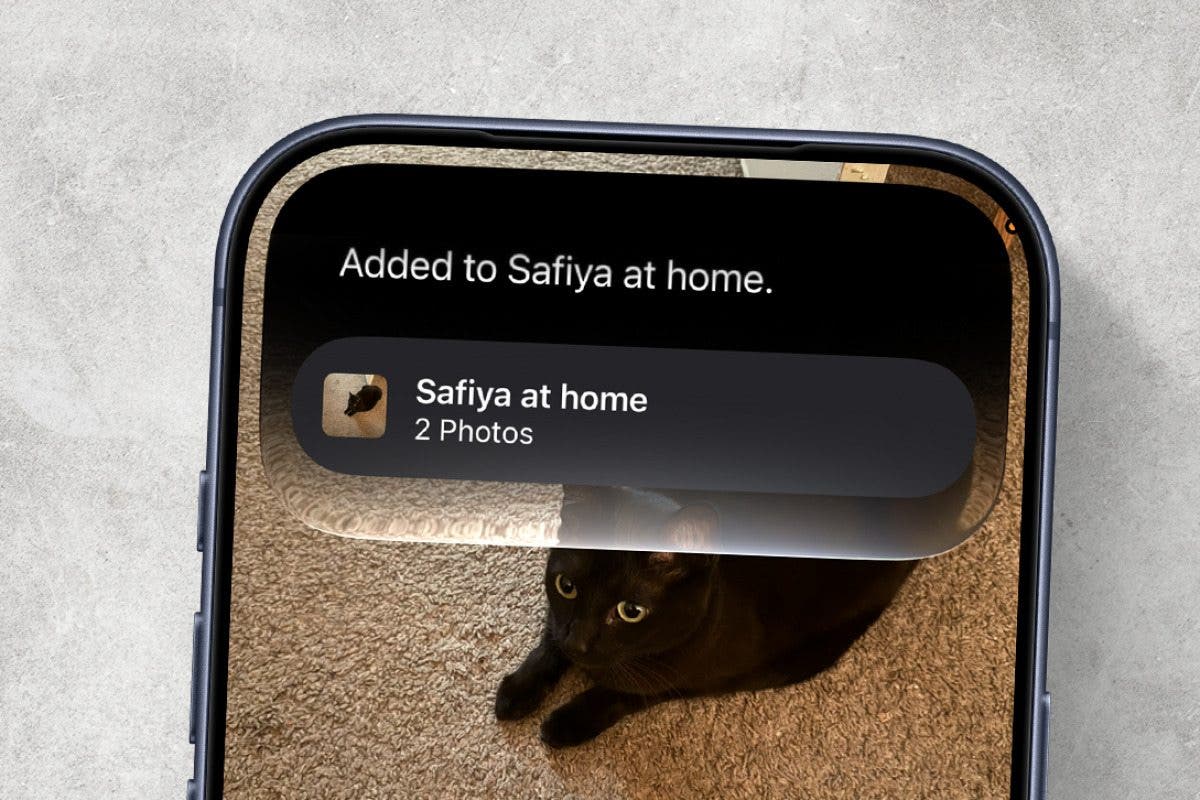
On the newest version of iOS, Siri can now be used in a variety of unexpected ways, thanks to the power of Apple Intelligence. If you have an iPhone 15 Pro or newer, you can ask Siri to add specific photos to an album. Here’s how!
Why You’ll Love This Tip
- Avoid the extra steps of adding photos to an album.
- Add a specific photo to an album in seconds.
How to Use Siri to Add Photos to an Album
System Requirements
This tip was performed on an iPhone 15 Pro running iOS 27. Find out how to update to the latest version of iOS.
One of the cool new things that Siri can do is see what’s on your iPhone screen. Now, it’s not that Siri is constantly looking at your screen. It will only see what’s on the screen when prompted. You can use this to your advantage in the Photos app. For more news on the latest iPhone update, be sure to sign up for our free Tip of the Day newsletter. Now, here’s how to use Siri to add photos to an album:
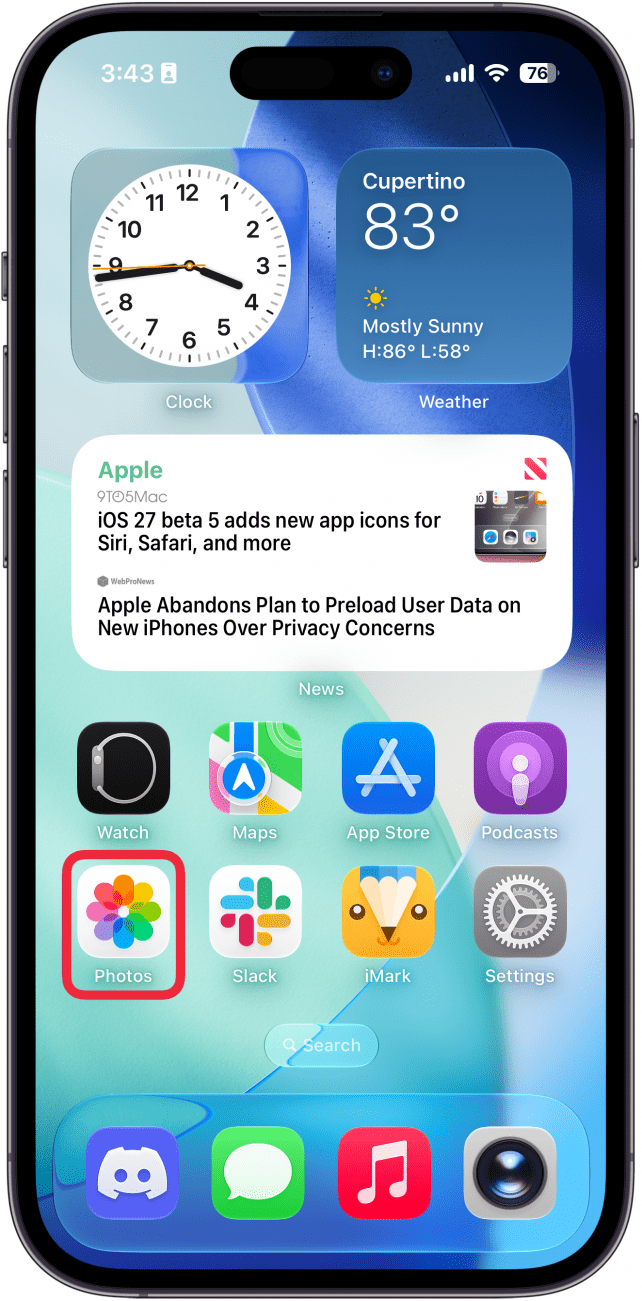
- Open the Photos app and find the photo you want to add to an album.
![a screenshot of the iphone home screen with a red box around the photos app]()
- Once you have the photo you want, say “Siri, add this photo to [x] album.” Just replace the [x] with the name of the album you want to add the photo to.
![a screenshot of the photos app on iphone displaying a photo of a black cat with siri opened from the dynamic island]()
- You may be asked to give Siri access to the Photos app. Just tap Turn On.
![a screenshot of the photos app on iphone displaying a photo of a black cat with siri asking for permission to access photos. there is a red box around the turn on button]()
- Tap OK.
![a screenshot of the photos app on iphone displaying a photo of a black cat with siri asking the user to confirm the ablum they want to add the photo to, with a red box around the ok button]()
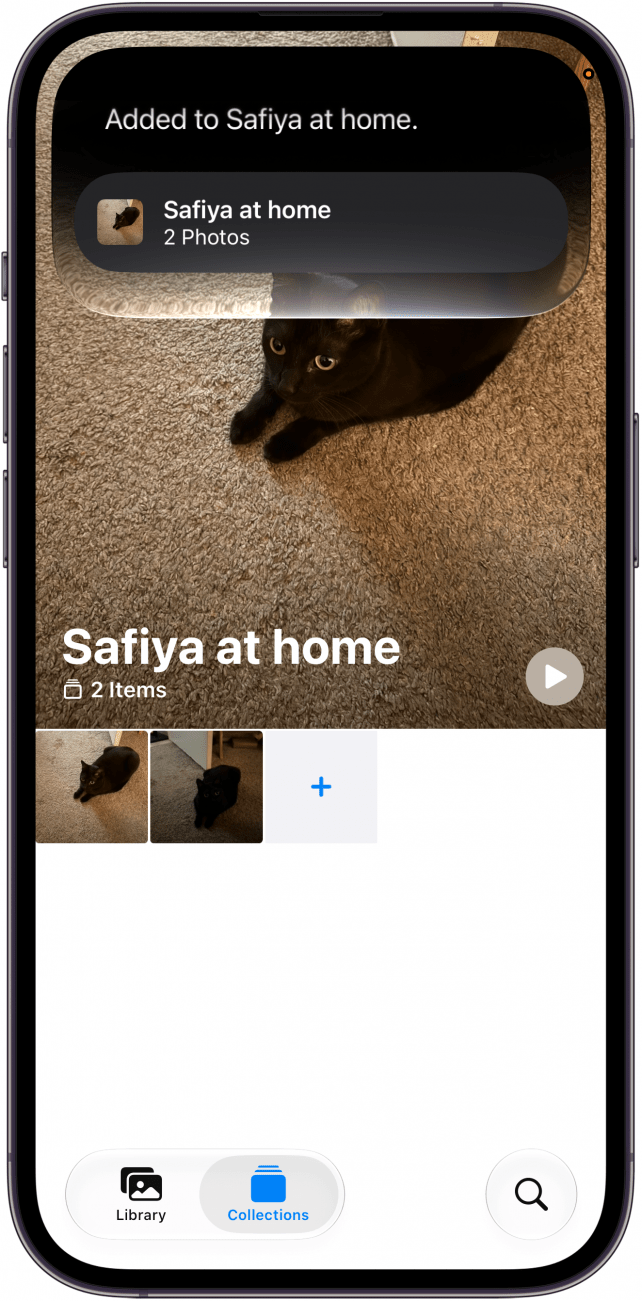
- The photo will be added to your album.
![a screenshot of an album in the photos app on the iphone displaying a siri prompt confirming that the photo has been added to the desired album]()


That’s how to add photos to albums using Siri on iOS 27. You can also ask Siri to add the photos to a new album, if you don’t already have an album in mind.
More On: The Photos App
Top image credit: Chingraph / Shutterstock.com